Logging In and Out of IRIS
Logging Into IRIS
- Open a supported browser (Apple Safari, Google Chrome, Microsoft Edge, or Mozilla Firefox).
- NOTE: Internet Explorer is not a supported browser.
- Navigate to Connect with Us Community Login.
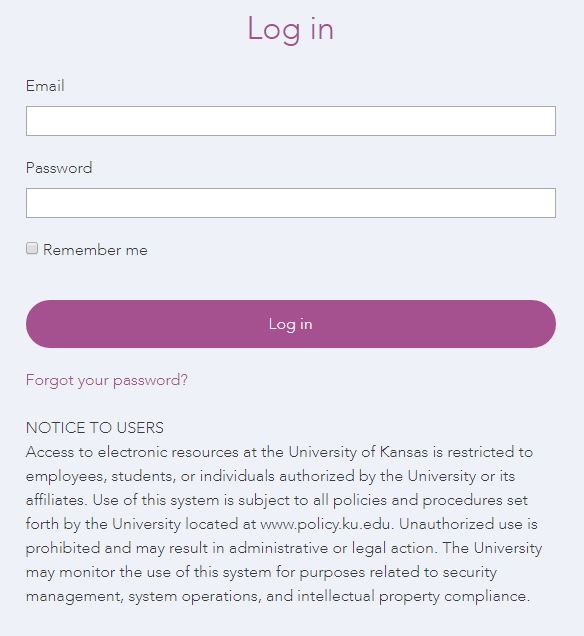
- NOTE: A Notice To Users is displayed. Keep in mind that use of IRIS is subject to all policies and procedures set forth by the University located at the KU Policy Office.
- Enter username and password.
- Click Log in.
Logging Out of IRIS
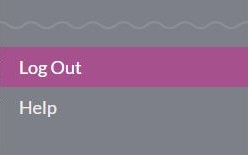
To log out from the IRIS system, click Log Out in the Navigation Menu.