Processing Incoming Referrals
Accepting and Rejecting Referrals
- From the My Home page, select Incoming from the Referral Navigation Bar.

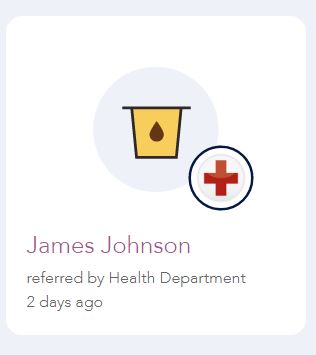
- Referrals sent to your organization are visible on the Incoming page as Referral Cards and are classified as either sent, accepted, or rejected. Two icons appear on each Referral Card: the Referral Icon and the logo of the referring organization.
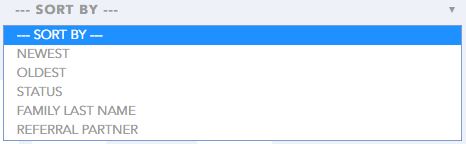
- You may sort the order in which you see incoming referrals from the following options under the referrals section: Newest, Oldest, Status, Family Last Name, Referral Partner.
- Select a referral to view by clicking on the caregiver's name, the Referral Icon, or the referring Organization's logo on the Referral Card.
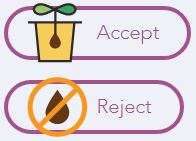
- For new referrals, review the Referral Details and click either Accept or Reject.
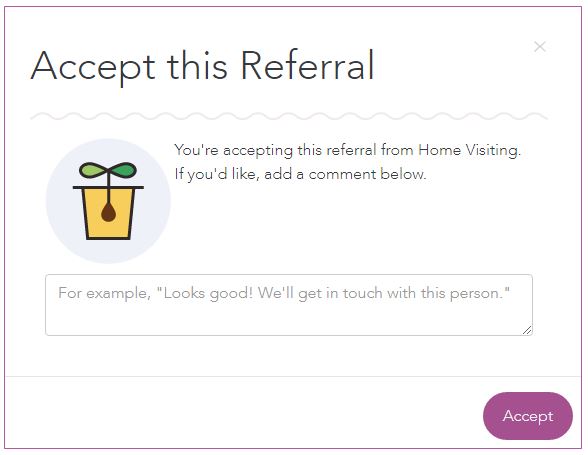
- When you accept a referral, you can make a note in the Accept this Referral text box. Click Accept.
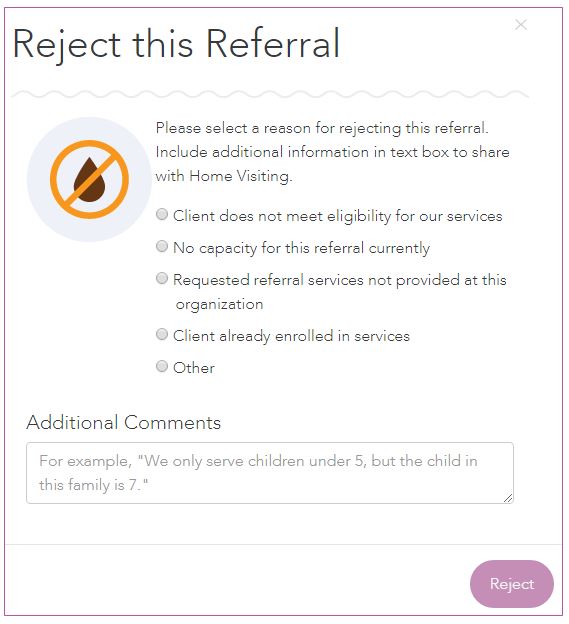
- When you reject a referral, you must select one of the rejection reasons in the pop-up window. You can also place additional comments in the text box. After selecting a reason and including comments, click Reject.
Unaccepting a Referral
If you have accepted the referral in error, you may unaccept the referral. To unaccept a referral:
- Select a referral by clicking on the caregiver's name or the Referral Icon within the Referral Card.
- Select Unaccept under the Complete button.

Completing Referrals
Once you have accepted a referral, the final step is to complete the referral. To complete a referral:
- Select a referral by clicking on the caregiver's name, the Referral Icon, or referring Organization's logo on the Referral Card.
- After reviewing the referral details, click Complete.
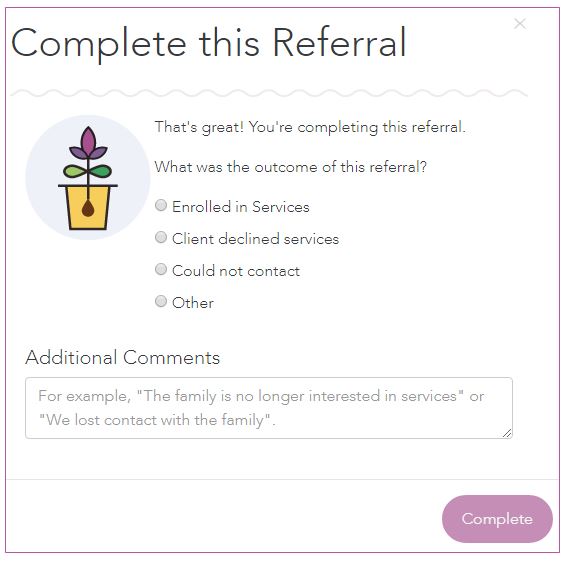
- When you complete a referral, you must select a referral outcome in the pop-up window. You can also place additional comments in the text box.
- Click Complete.