Updating Organization Details
Updating My Organization
- Click My Organization on the Navigation Menu.
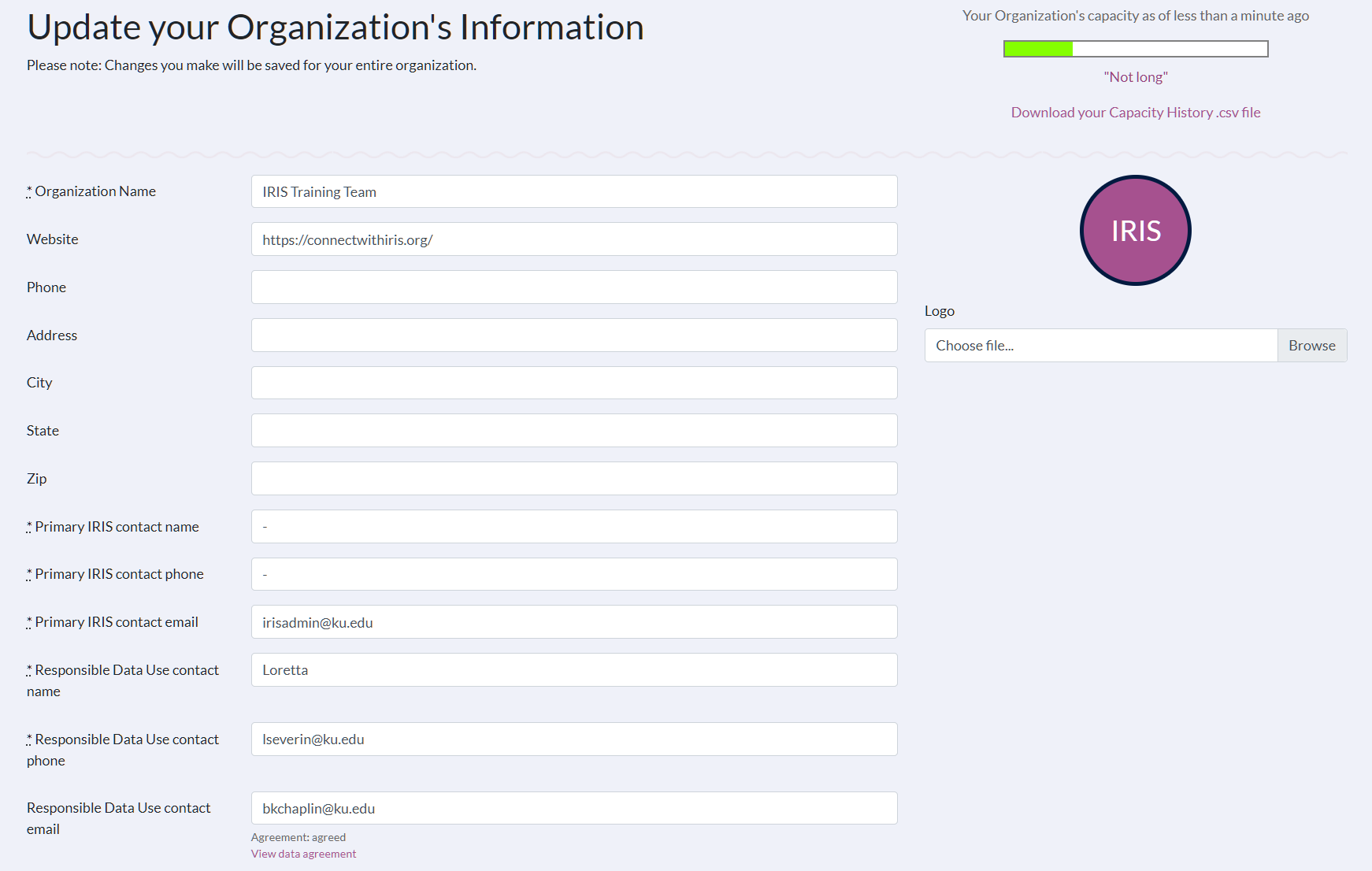
- Make the desired updates. Editable fields include:
- Organization Name
- Website
- Phone
- Address
- City
- State
- Zip
- Primary Contact Name
- Primary Contact Phone
- Primary Contact Email
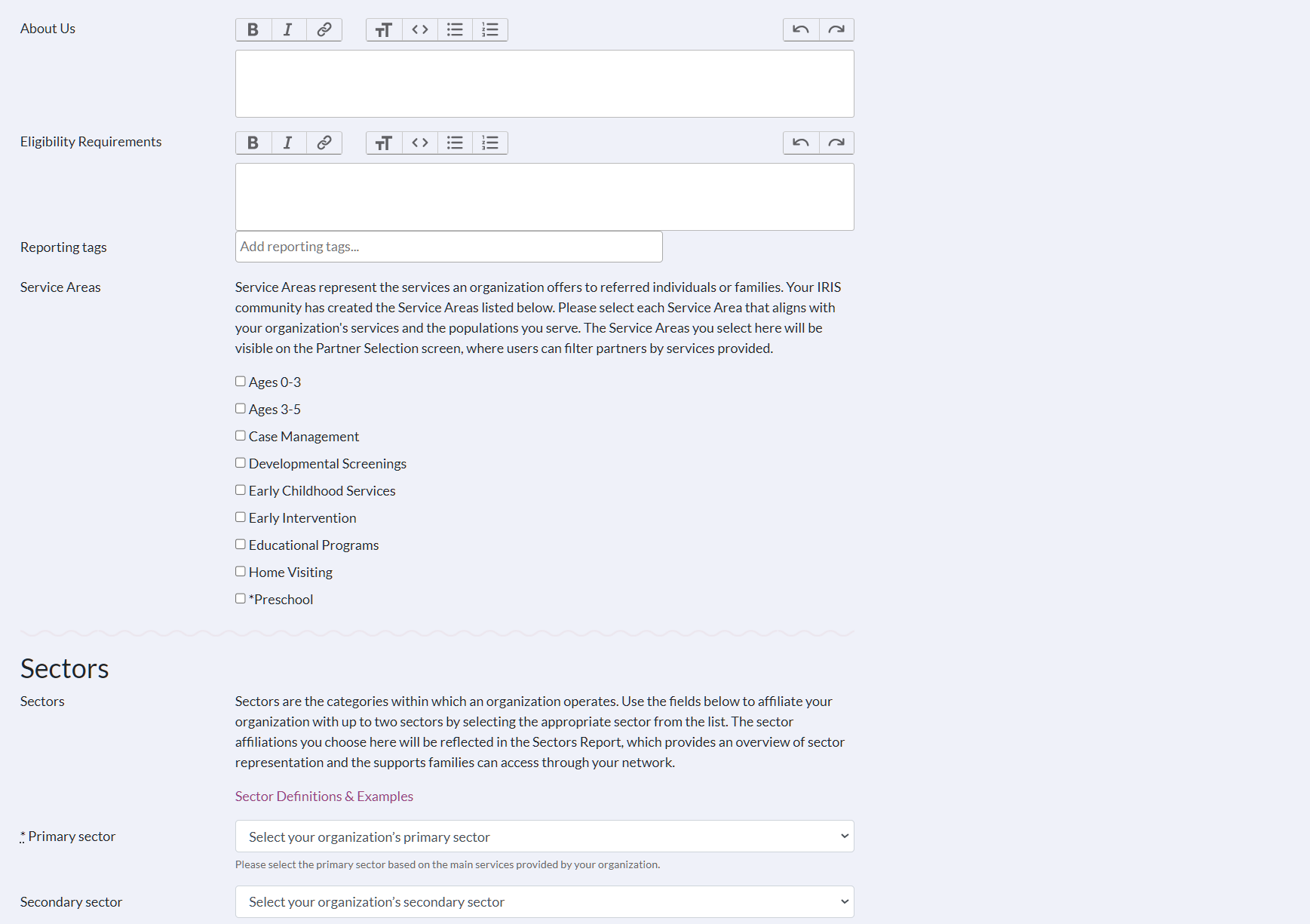
- About Us
- Eligibility Requirements
- Service Areas
- Primary Sector
- Secondary Sector
- Organization Details
- Logo Image
- Uploading a logo with a transparent background is not recommended as it will default to the IRIS purple color scheme. We recommend using a white background or a circle logo.
- It is recommended that logo images be in either a square or circle format and measure 116 x 116 pixels.
NOTE: Any team member can update the organization information. Changes that are saved will be applied to the entire organization's information.
3. Click Update Organization to save changes.