Updating Organization Capacity
Capacity Bar
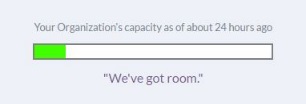
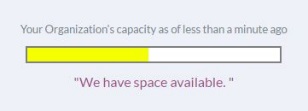
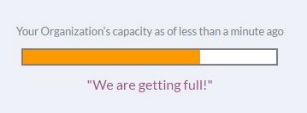
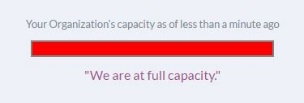
The Capacity Bar helps organizations communicate their ability to accept new referrals in IRIS. Any team member within an organization can change the capacity status at any time. 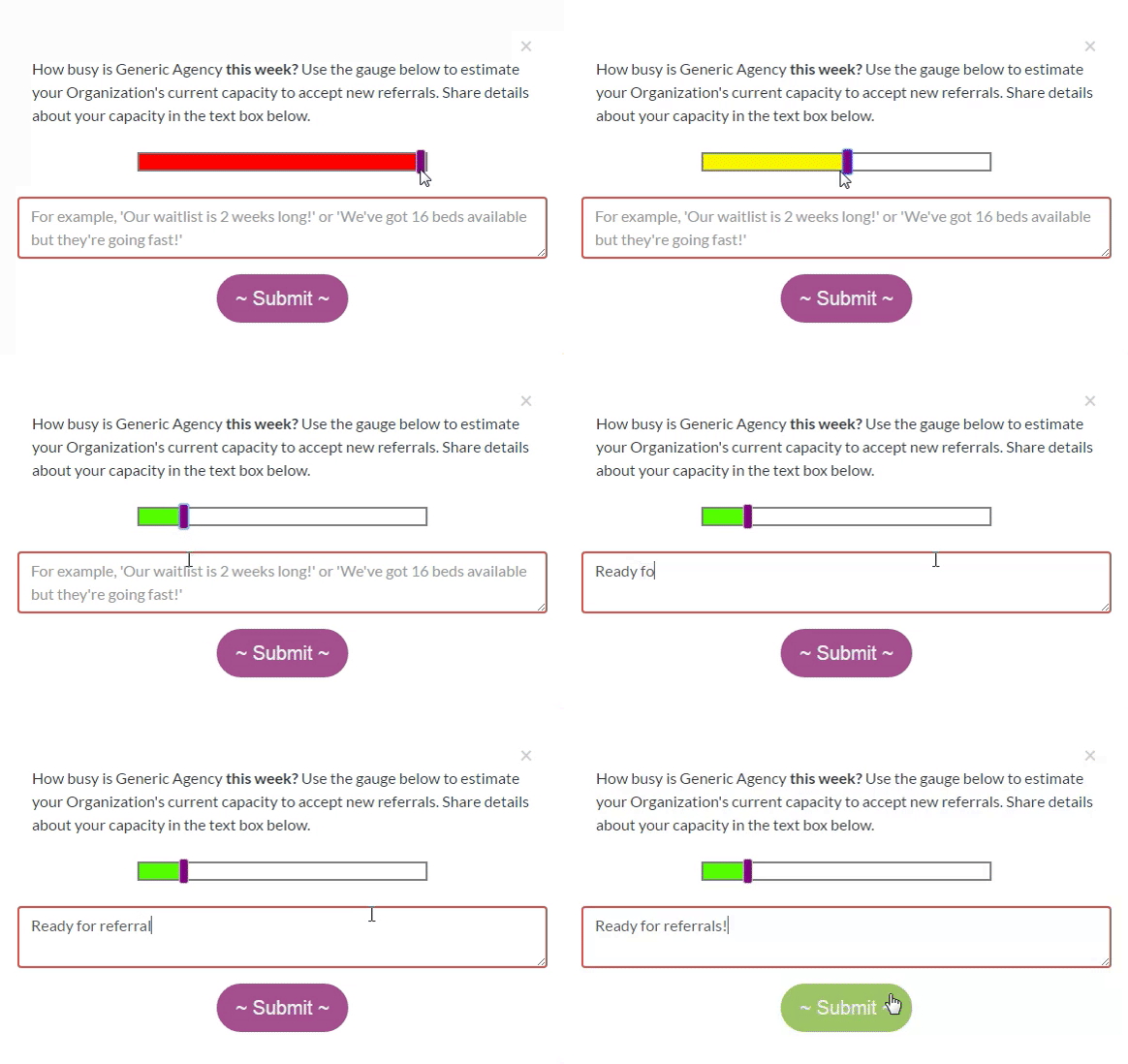 The status will instantly update to let partners know your organization's capacity when they are selecting a referral partner.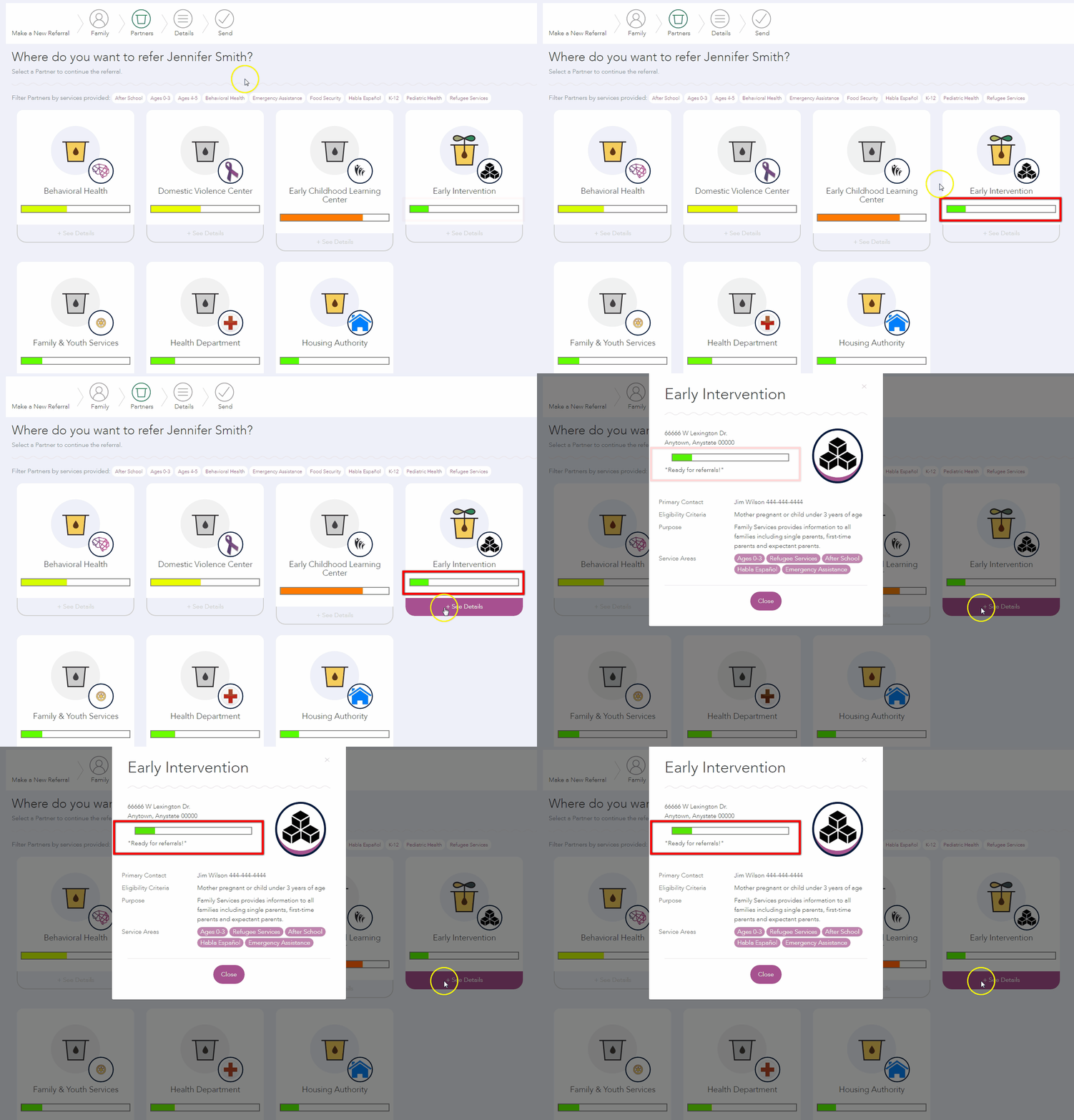
Setting Capacity Status
- Click My Home on the Navigation Menu.
- Click your Organization’s Capacity Bar in the upper right corner of the page.
- Move the purple slider to the level of capacity that best meets the organization’s current capacity status. The colors of the bar range from green, indicating high availability, to red, which signals no availability.
- Add additional details in the text box.
- Click Submit.
Organization Capacity Alerts
If it has been more than 7 days since an organization’s capacity has been updated, when team members log into IRIS they will see an alert requesting that the capacity status be updated. The alert will continue to appear until the organization’s capacity is updated.